Uninstalling BrightQ-Pro
BrightQ-Pro includes an uninstallation utility accessible from its graphical Configuration Tool and from a terminal.
List installed Codehost components:
codehost-uninstall --listUninstall the complete BrightQ package:
codehost-uninstall brightqThe tool may prompt for confirmation. To remove a component only, pass a product and component identifier; use codehost-uninstall --list first to discover the installed identifiers.
See the uninstaller reference.
Graphical uninstall
Section titled “Graphical uninstall”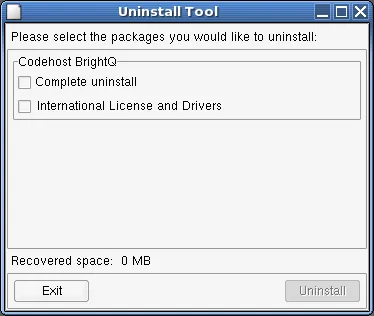
Uninstall Tool offering complete uninstall or removal of the listed license and driver package.