Image, text, and plot printing
BrightQ-Pro can convert image, text, PDF and PostScript jobs through generic filters. Its exact supported input formats and filters vary by installation and release.
Margins
Section titled “Margins”The Margins tab adjusts the margins of supported image and text jobs.
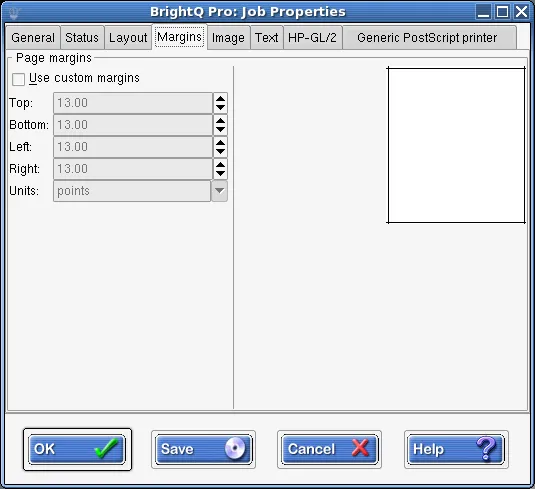
Print Job Manager Margins tab showing custom margins and measurement units.
Images
Section titled “Images”Supported image formats include BMP, GIF, JPEG, PhotoCD, PBM, PGM, PNM, PPM, PNG, SGI RGB, Sun Raster, and TIFF. The Image tab offers image position, scaling, resolution, hue, saturation, brightness and gamma.
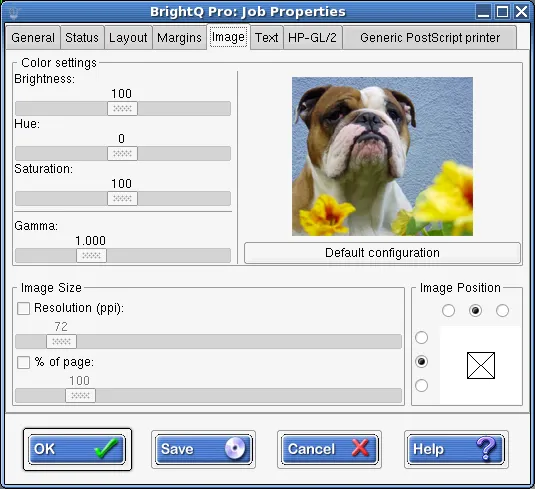
Print Job Manager Image tab showing color adjustments, scaling, resolution, and positioning.
lp -o position=center image.pnglp -o scaling=75 image.pnglp -o ppi=300 image.pngImage positioning values include center, top, left, right, top-left, top-right, bottom, bottom-left, and bottom-right.
The Text tab includes characters per inch (default 10), lines per inch (default 6), columns, word wrapping and syntax highlighting for recognized code formats.
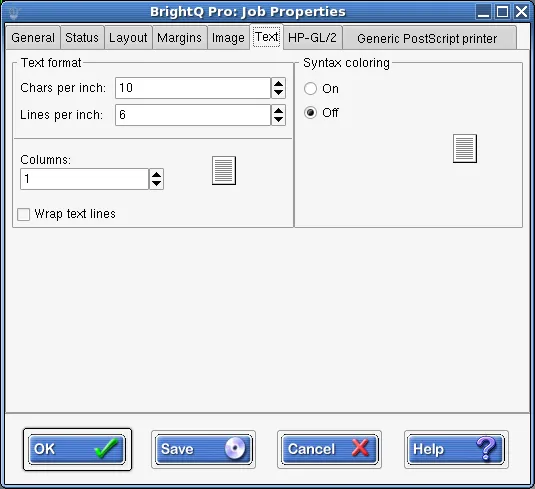
Print Job Manager Text tab showing characters per inch, lines per inch, columns, wrapping, and syntax coloring.
HP-GL/2
Section titled “HP-GL/2”The HP-GL/2 tab is for plot files converted for PostScript output. It can force black-pen output, fit a plot to the page and adjust pen width. Not all devices support those conversions.
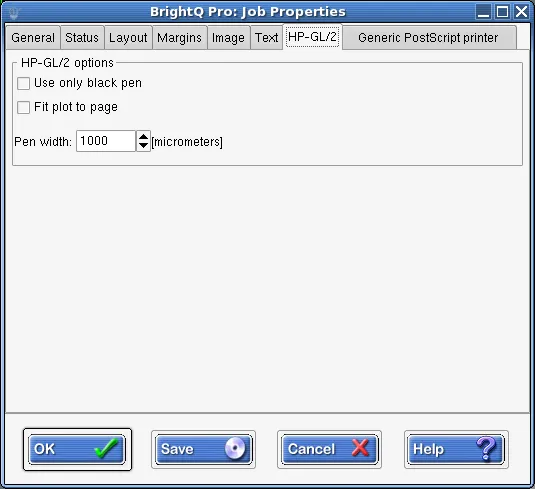
Print Job Manager HP-GL/2 tab showing black pen, fit to page, and pen width options.