Printer connections
Esta página aún no está disponible en tu idioma.
Select the connection in the wizard or Expert configuration dialog. The supported controls and URI formats depend on the OS and selected spooler.
| Connection | Information needed | Typical URI / path |
|---|---|---|
| USB | Device path; USB support is available on Linux/Solaris | usb:/dev/usb/lp0 |
| Parallel | Device path | parallel:/dev/lp0 |
| Serial | Device, baud, parity, bits and flow control | serial:/dev/ttyS0?... |
| Print to file | Absolute file destination | file:/tmp/output.ps |
| Remote LPD | Server and remote queue | lpd://printer.example/print |
| IPP | Host, port, resource, optional authentication | ipp://printer.example/printers/office |
| Socket / JetDirect | Host, port (often 9100) | socket://printer.example:9100 |
| SMB/CIFS | Server, shared printer, optional authentication | smb://server/share |
Local devices
Section titled “Local devices”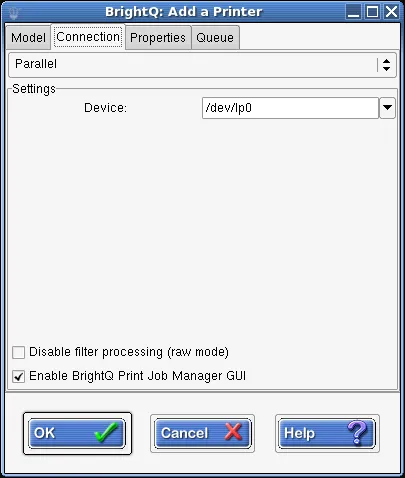
Expert Connection tab for a parallel printer with a device path field.
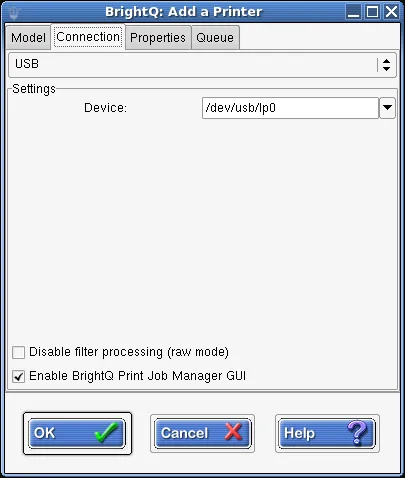
Expert Connection tab for a USB printer with a device path field.
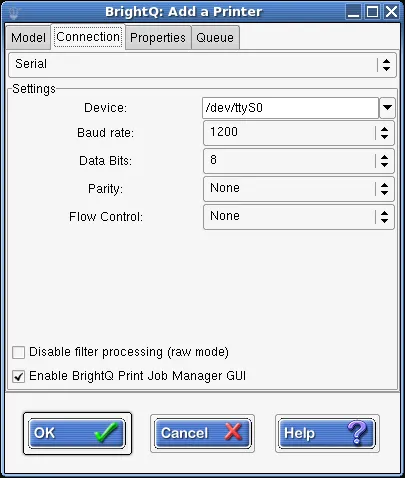
Expert Connection tab for serial printing with device, baud rate, data bits, parity, and flow control fields.
Enter the host that actually provides the LPD service: this can be the printer itself or a print server, identified by its IP address or fully qualified hostname.
The remote queue name matters; common queue names include print, lp, direct, and hold. These can select different destinations or behavior on the same device. If the required name is absent from the list, enter the exact name supplied by the device or server administrator.
Non-CUPS systems can expose these additional LPD controls:
| Control | Effect |
|---|---|
| Send data before control file | Send the job data first when the remote server requires that ordering. |
| Manual copies | Send multiple job files instead of asking the printer to duplicate one file. |
| Add banner | Request a banner page from the LPD server. |
| Reserve Ports | Use the privileged source ports required by some LPD servers. |
| Sanitize my junk | Remove unsupported control characters from the job title before submission. |
In the CUPS dialog, the available controls are Host, Queue, Disable filter processing, and Enable Print Job Manager GUI.
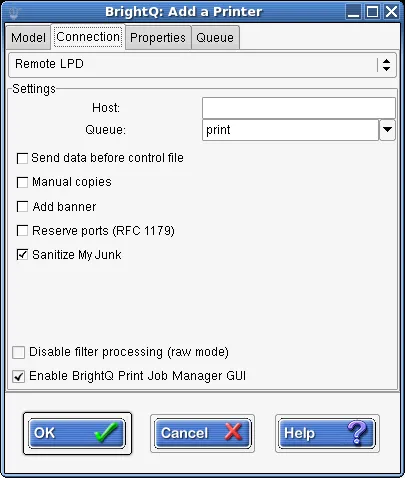
Expert Connection tab for Remote LPD with host, queue, and non-CUPS options.
The default IPP port is 631. The host can be a printer or a server providing the IPP service; the resource path identifies the destination service or queue on that host. Supply the exact path required by that service and any required login credentials. Confirm the connection uses the transport and encryption settings required by your network.
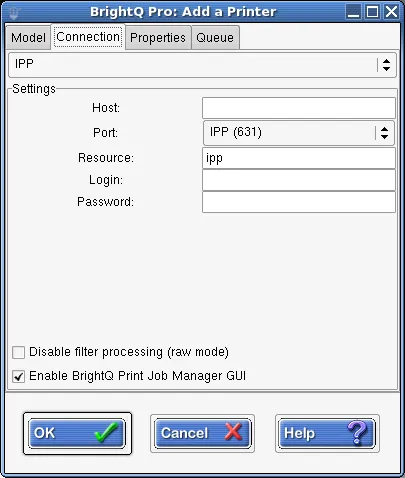
Expert Connection tab for IPP with host, port, resource, and empty authentication fields.
Socket / JetDirect
Section titled “Socket / JetDirect”Direct raw TCP printing generally uses port 9100. It may bypass authentication and job control provided by a print server, so prefer a restricted network.
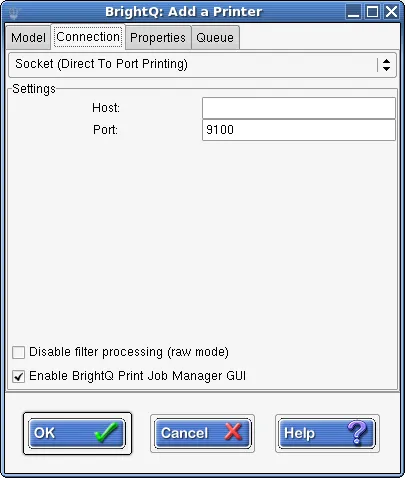
Expert Connection tab for socket printing with host and port fields.
SMB/CIFS
Section titled “SMB/CIFS”SMB printing requires a working Samba smbclient program and a server/share name. Avoid embedding real passwords in command history or configuration that others can read.
If SMB (thru Samba) is missing from the Add Printer dialog, check that Samba’s SMB client is installed and configured before creating the queue. For a shared printer named \\MACHINE\PRINTER, use MACHINE as the server and PRINTER as the resource.
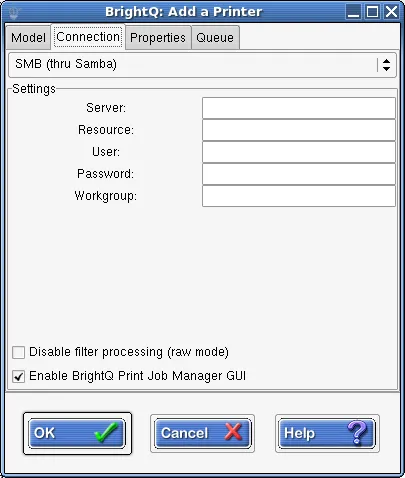
Expert Connection tab for Samba printing with server, resource, and empty authentication fields.
File devices
Section titled “File devices”Use an absolute destination filename and ensure the print system can write to that file and its parent directory. A file destination can feed a hot-folder workflow by writing a compatible output file inside the watched directory.
CUPS file printing may be disabled by default. Do not change server settings without reviewing local security policy; some print systems append to output files instead of truncating them.
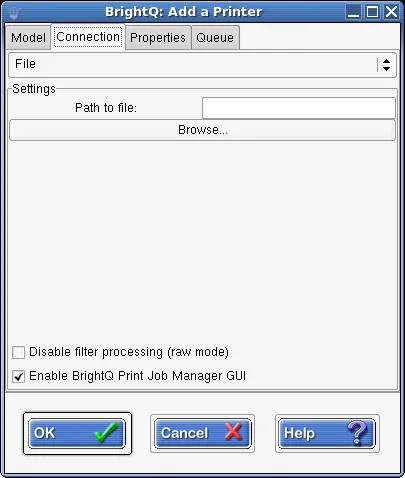
Expert Connection tab for printing to a file with an empty destination path.
For shell examples see configure queues by protocol.